
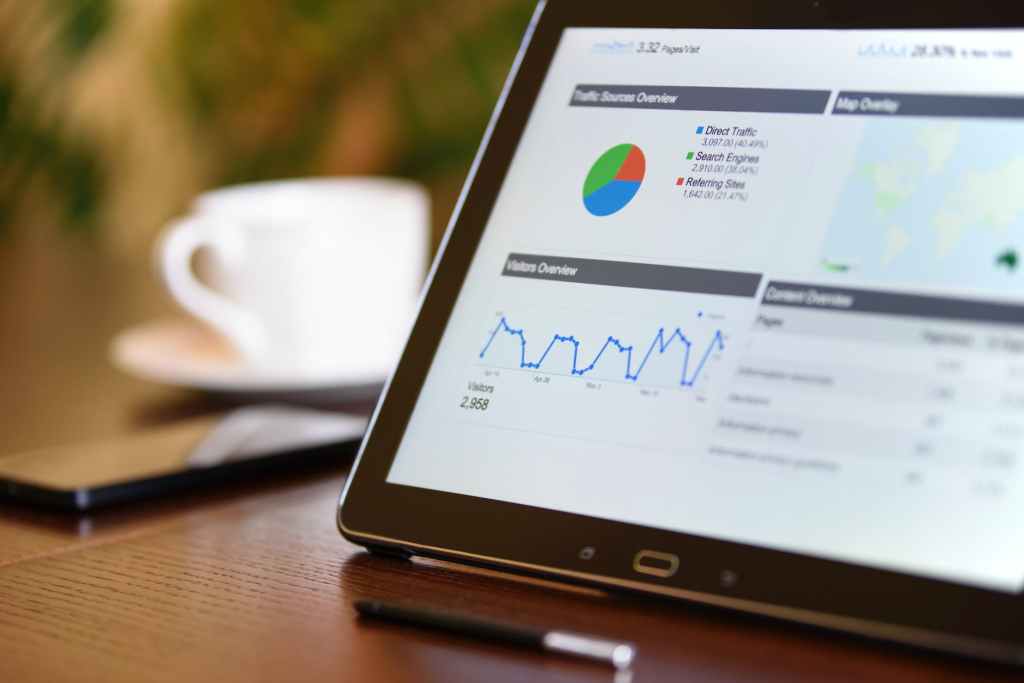
As a winery, it’s important to track your online performance and understand how visitors interact with your website. One of the best ways to do this is by setting up Google Analytics goals. With goals, you can track key metrics like e-commerce sales, add-to-cart events, conversion rates, and more. In this blog post, we’ll dive into the advanced setup steps for Google Analytics goals that are specific to wineries.
- E-commerce Goals: If you’re selling wine online, it’s important to track your e-commerce performance. To set up e-commerce goals in Google Analytics, go to the admin section and click on “E-commerce Settings.” Next, enable e-commerce tracking and set up your transaction and item data. This will allow you to track metrics like revenue, transactions, and conversion rate.
- Add-to-Cart Goals: Tracking add-to-cart events is another important metric for wineries. To set up an add-to-cart goal, go to the “Goals” section in the admin section and create a new goal. Select “Custom” as the goal type, and then set the goal description as “Add to Cart.” Next, set the goal type as “Event” and select the category, action, and label that you’ve set up for the add-to-cart event.
- Conversion Goals: Conversion goals are used to track the number of visitors who complete a specific action on your website, such as making a purchase or signing up for a wine club. To set up a conversion goal, go to the “Goals” section in the admin section and create a new goal. Select “Destination” as the goal type, and then set the goal description as “Conversion.” Next, set the destination URL as the thank-you page that visitors see after completing the desired action.
- Booked Reservation Goals: Tracking the number of visitors who book a reservation on your website is another important metric for wineries. To set up a booked reservation goal, go to the “Goals” section in the admin section and create a new goal. Select “Custom” as the goal type, and then set the goal description as “Booked Reservation.” Next, set the goal type as “Event” and select the category, action, and label that you’ve set up for the booked reservation event.
- Cancelled Reservation Goals: Tracking the number of visitors who cancel a reservation on your website is also important. To set up a cancelled reservation goal, go to the “Goals” section in the admin section and create a new goal. Select “Custom” as the goal type, and then set the goal description as “Cancelled Reservation.” Next, set the goal type as “Event” and select the category, action, and label that you’ve set up for the cancelled reservation event.
- Online Club Sign-up Goals: Tracking the number of visitors who sign up for a wine club is another key metric for wineries. To set up an online club sign-up goal, go to the “Goals” section in the admin section and create a new goal. Select “Destination” as the goal type, and then set the goal description as “Online Club Sign-up.” Next, set the destination URL as the thank-you page that visitors see after signing up for the wine club.
By setting up these advanced Google Analytics goals, you’ll be able to track important metrics that will help you understand how visitors interact with your website and make data-driven decisions to improve your online performance. Remember that it is important to test and verify that the Goals are set up correctly and working properly before relying on the data. Also, it’s important to regularly review and adjust your goals as needed to ensure they continue to align with your business objectives.
In addition to setting up goals, you can also use Google Analytics to segment your data and better understand specific groups of visitors. For example, you can create segments for wine club members, repeat customers, and first-time visitors, and then view how these segments interact with your website. This can help you identify patterns and trends that can inform your marketing and sales strategies.
Another important aspect of using Google Analytics for wineries is tracking your website’s performance on mobile devices. More and more consumers are using their mobile devices to browse the web and make purchases, so it’s crucial to make sure that your website is mobile-friendly and that your analytics are set up to track mobile traffic.
Finally, it’s important to note that Google Analytics is just one tool in your digital marketing toolbox. To truly understand how visitors interact with your website, you may also want to consider using tools like heat maps, session recordings, and survey tools to gain more insights.
In conclusion, setting up advanced Google Analytics goals can help you track key metrics and make data-driven decisions to improve your online performance. By regularly reviewing and adjusting your goals, segmenting your data, tracking mobile performance, and using other tools, you’ll be able to gain a deeper understanding of how visitors interact with your website and make informed decisions to drive more sales and build stronger relationships with your customers.
Note About This Blog Post
This content was created with the help of OpenAI’s GPT-3 language model, ChatGPT, based on prompts and content curation by the team at DigitalMarketingWine.com. The AI created content was further reviewed and edited by a digital marketing expert. The information provided is based on industry best practices, and should be used for general guidance. To implement these strategies and tactics requires additional support and adaptation to business needs.
 Digital Marketing Wine